Scratch the Ticket PC Specs
Verify Windows readiness before demo nights and launch unlock.
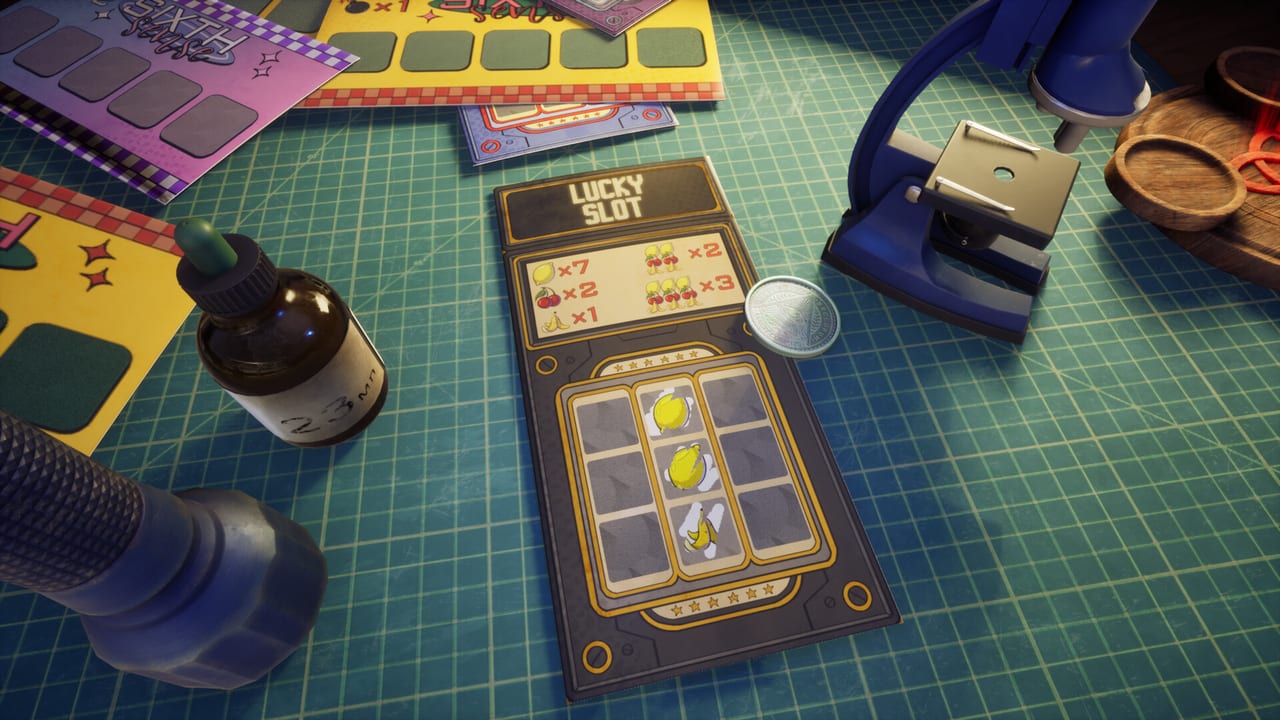
Scratch the Ticket is a Windows-first Steam title. Stutter and input lag turn cash-out decisions into panic clicks, so system readiness is part of strategy. This page collects public Steam guidance so you can check your PC before another demo session or the August 13, 2026 unlock.
Minimum specs (Steam)
According to the Steam store listing for App 4626940:
- OS: Windows 10 x64
- CPU: 2-core / 4-thread processor
- Memory: 8 GB RAM
- GPU: GTX 960 class
- DirectX: Version 11
- Storage: about 2 GB available space
If you sit near minimum, close heavy browsers during tense tickets and lower overlays. Pair performance hygiene with Controls.
Recommended specs (Steam)
Steam recommended guidance points toward:
- OS: Windows 10 x64
- CPU: 2-core / 4-thread processor
- Memory: listed as a higher RAM target on the store (verify live text; treat 16 GB class systems as comfortable)
- GPU: NVIDIA RTX 3060 or AMD Radeon RX 6600 XT
- DirectX: Version 12
- Storage: confirm live Steam text before launch night
Always re-check the store page via the Links Hub because store fields can patch before unlock.
Platforms and modes
Public Steam data lists Windows support. Mac and Linux are not listed as supported platforms for the full game page. The title is single-player with Steam Achievements and accessibility categories such as Camera Comfort, Color Alternatives, Custom Volume Controls, Keyboard Only Option, and Mouse Only Option. Use those options if motion or input preferences matter for your sessions.
Demo versus full build size
The free demo (App 4821810) already exercises first-person scratching. itch.io historically hosted a large Windows zip for earlier builds. Prefer the Steam demo for launch rehearsal. If an older itch build misbehaves, do not assume the Steam demo shares the same bugs — see Demo Notes.
Pre-session hardware checklist
- Confirm free disk space beyond 2 GB for updates.
- Update GPU drivers before launch week.
- Disable aggressive recording overlays if they hitch frames.
- Test one warm-up ticket after any driver change.
- Know save locations via Save Files before experimenting.
Performance linked to strategy
Frame drops cause mis-scratches and late cash-outs. If your machine struggles, lower background load before printing Role S tickets from Ticket Types. Do not blame gadgets when the real issue is hitching. Keep Cash-Out Strategy open only after inputs feel stable.
Accessibility habits
Steam lists Camera Comfort and Color Alternatives among categories. If foil contrast is hard to read, adjust brightness carefully and consider LED Panel silhouette help from LED Panel once unlocked. Mouse-only and keyboard-only options matter for desk comfort — verify which options your build exposes.
Launch-week plan
Two days out from August 13, 2026, verify specs again, wishlist App 4626940, and rehearse on the demo. Follow Launch Day for the first-hour plan. Official Discord and store links live on the Links Hub.
What this page is not
It is not a cracked installer guide, not a Mac port promise, and not a guarantee that recommended GPUs remove bombs. Hardware only protects decision quality. Strategy still decides whether you cash out.
Related tools
Use Cash-Out Helper during tickets and Save Files when a soft lock appears. For onboarding after a clean install, return to Getting Started.
Stable frames make Scratch the Ticket feel fair. Unstable frames make every bomb look like an insult. Check the box before you blame your nerves.
If Steam updates the requirement block after you read this, trust the store page. This wiki mirrors public text and will refresh when listings change — keep the Links Hub bookmarked through unlock week.
Frequently Asked Questions
Quick answers to the most common questions.
Does Scratch the Ticket run on Mac?
Steam lists Windows. Do not assume Mac or Linux support unless the store updates.
Is 8 GB RAM enough?
It matches the published minimum. Close background apps for safer mid-ticket inputs.
Where do I recheck live specs?
Steam store links on the Links Hub.
Demo same requirements?
Expect similar Windows targets. Verify on the demo store page (App 4821810).